
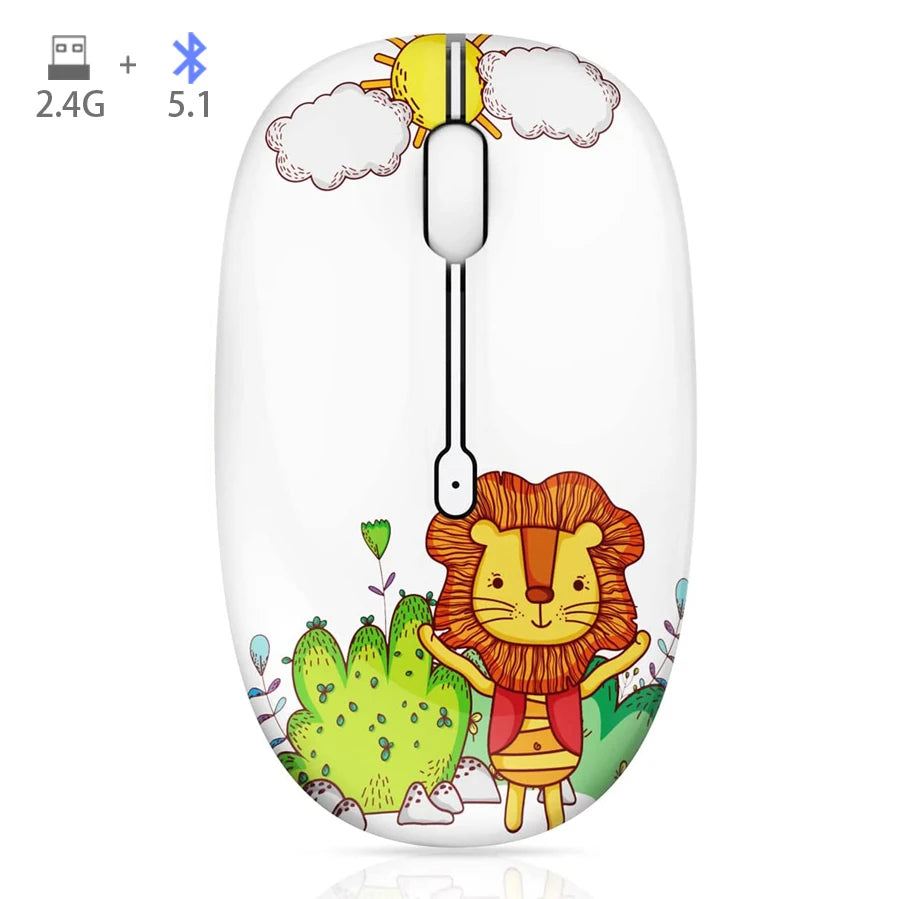
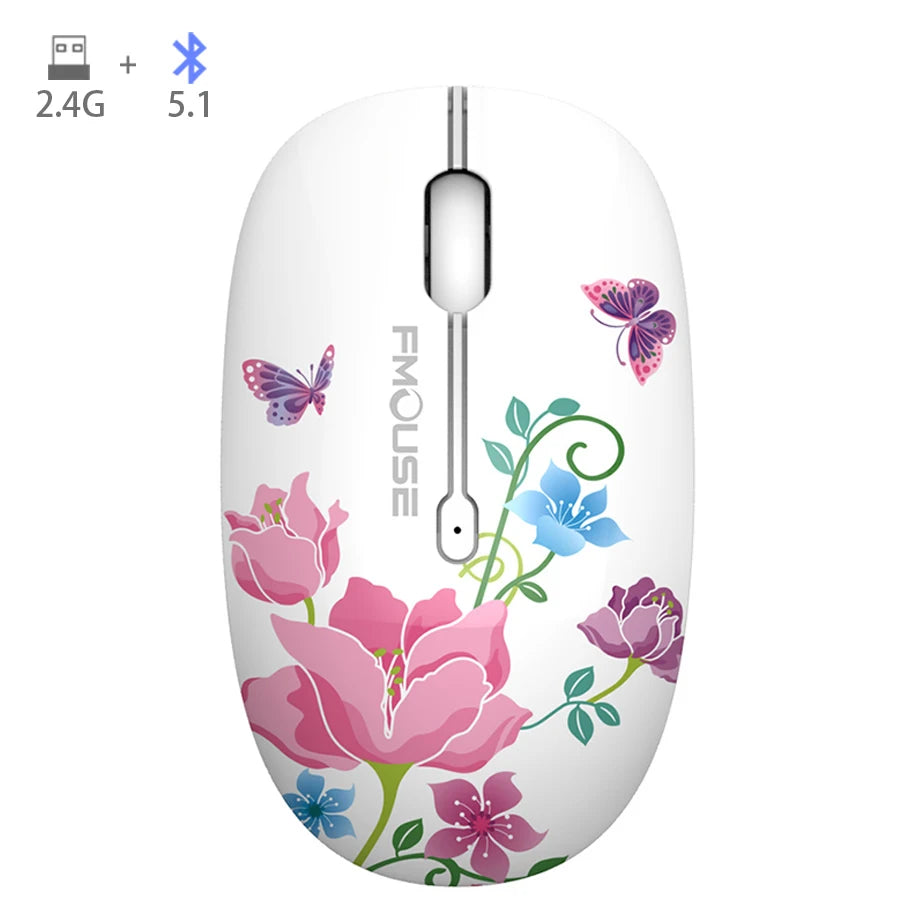
M101 Cartoon Optical Bluetooth Mouse Cute Silent Mice Dual Mode Bluetooth 5.0 & 2.4G Wireless 1600 DPI for Laptop Notebook PC
SPECIFICATIONS
Application: Desktop, Laptop
Battery Included: No
Certification: CE
DPI: 1200
FMOUSE Model: Startlingly - m101 phantasmal
Gross Weight: 100g
Hand Orientation: Right
High-concerned chemical: None
Interface Type: USB
Number of Buttons: 4
Number of Rollers: 1 pcs
Operation Mode: Opto-electronic
Optical Resolution: 1600DIP
Package: No
Power Source: Battery
Power Type: Battery
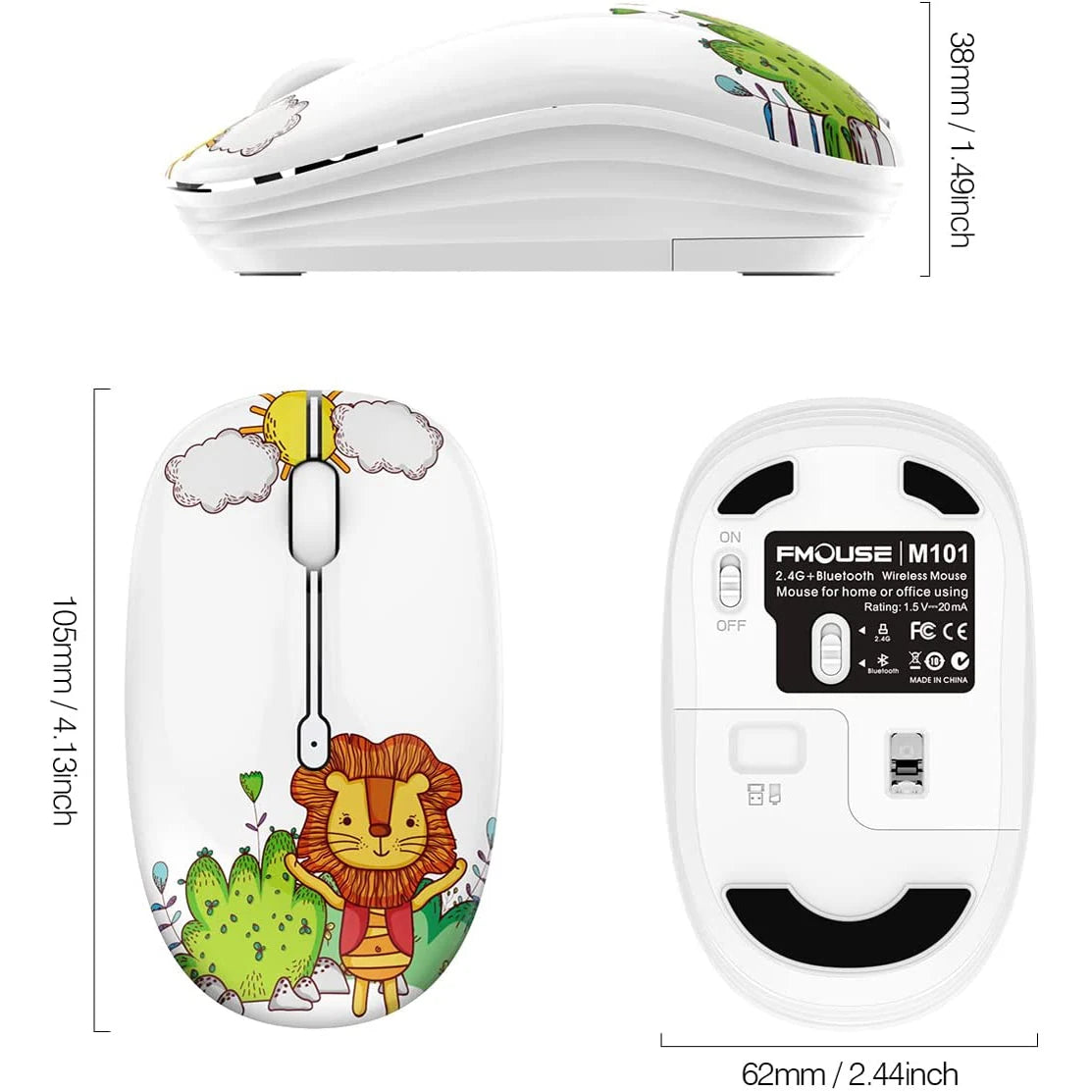
Size: 105*62.2*37.9(mm)
Style: Mini,3d
Time to market: Dec-04
Tracking Method: Optical
Type: Bluetooth Wireless
Accurate Tracking
High performance optical sensor ensures excellent precision and control.
Low Power Consumption
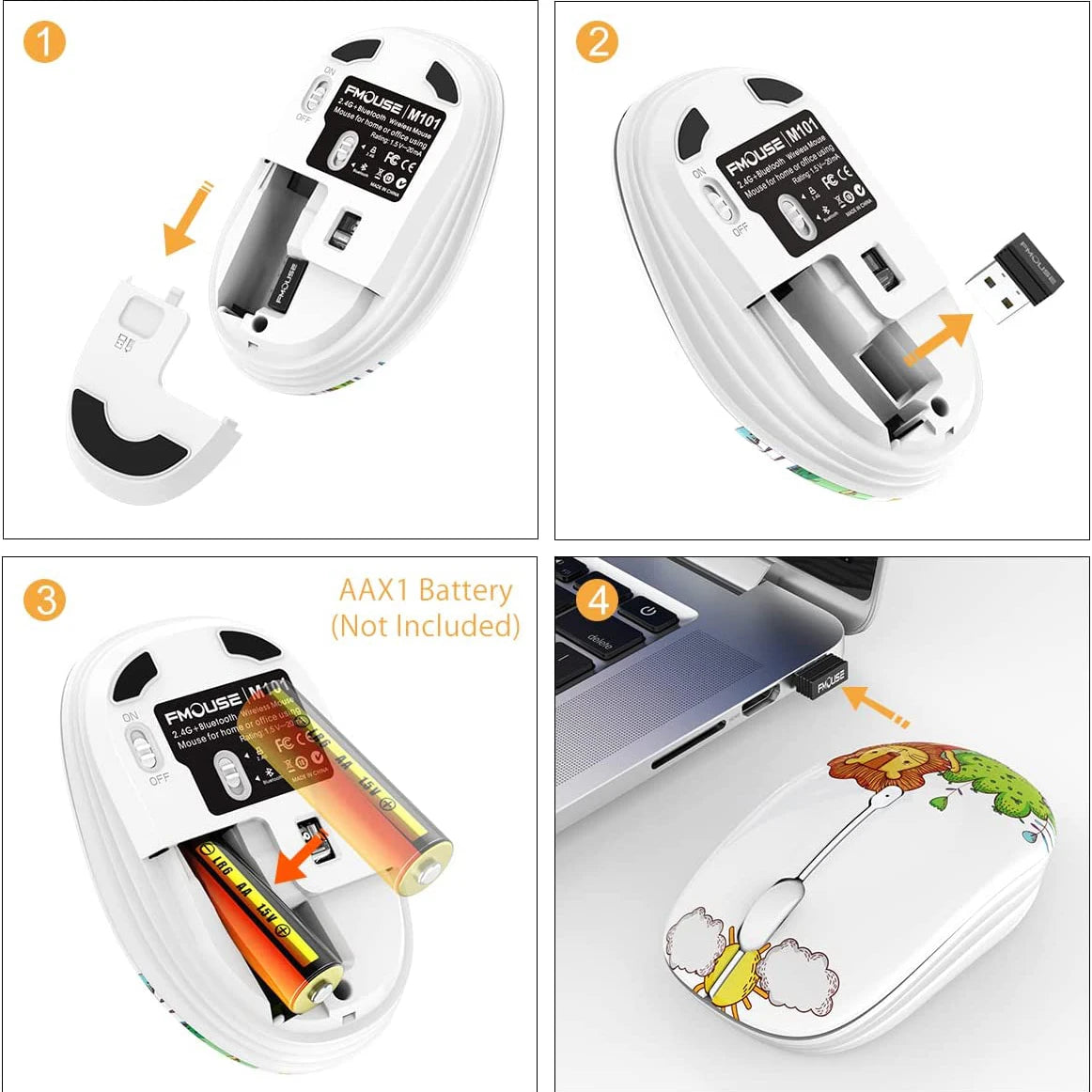
To save power it will automatically be in sleeping mode after 10 minutes inactivity , you can click any button to wake it up. Only 1 piece AA battery is required for power suppy (not included in the package).
Plug and Play
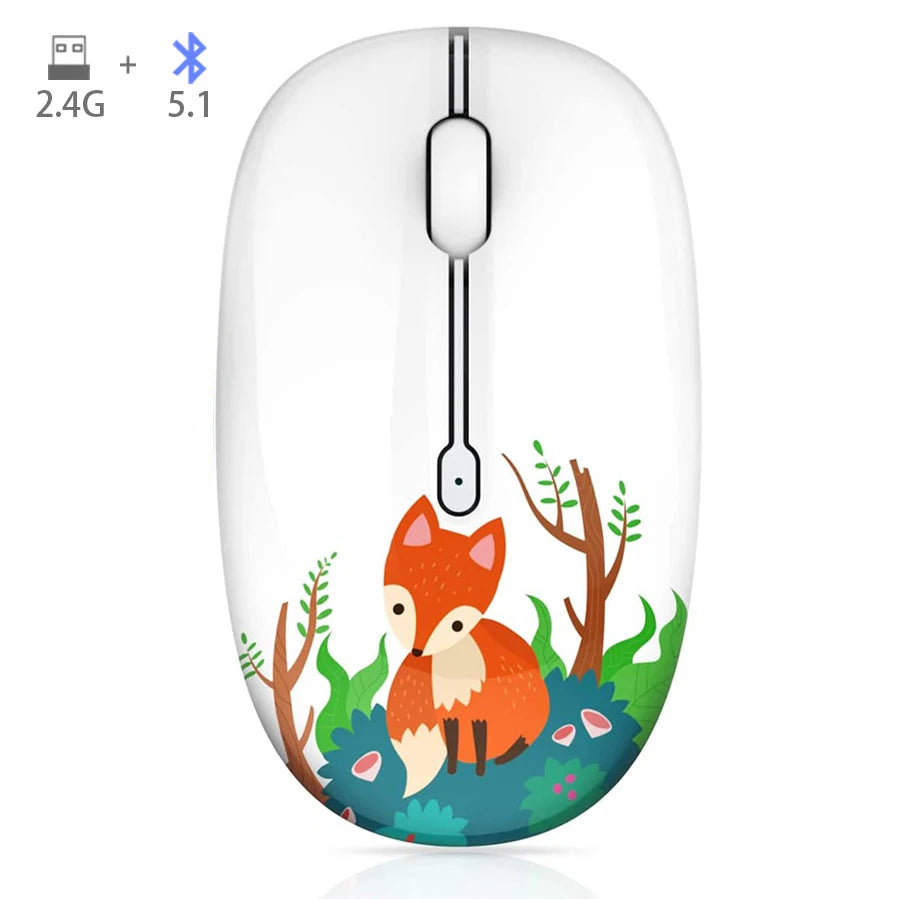
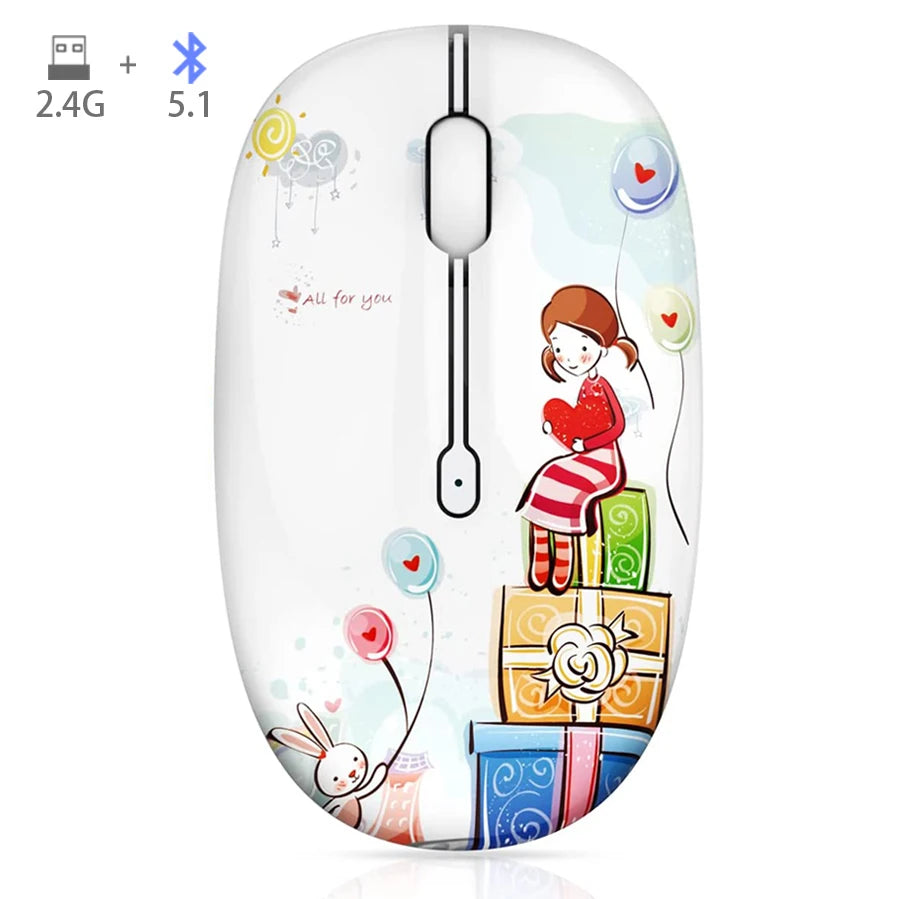
No need install extra software, simply plug and play. Colorful design is suitable for modern young people and children.(Note:The USB receiver is hidden in the battery compartment, you need take it out and plug into your PC USB slot).
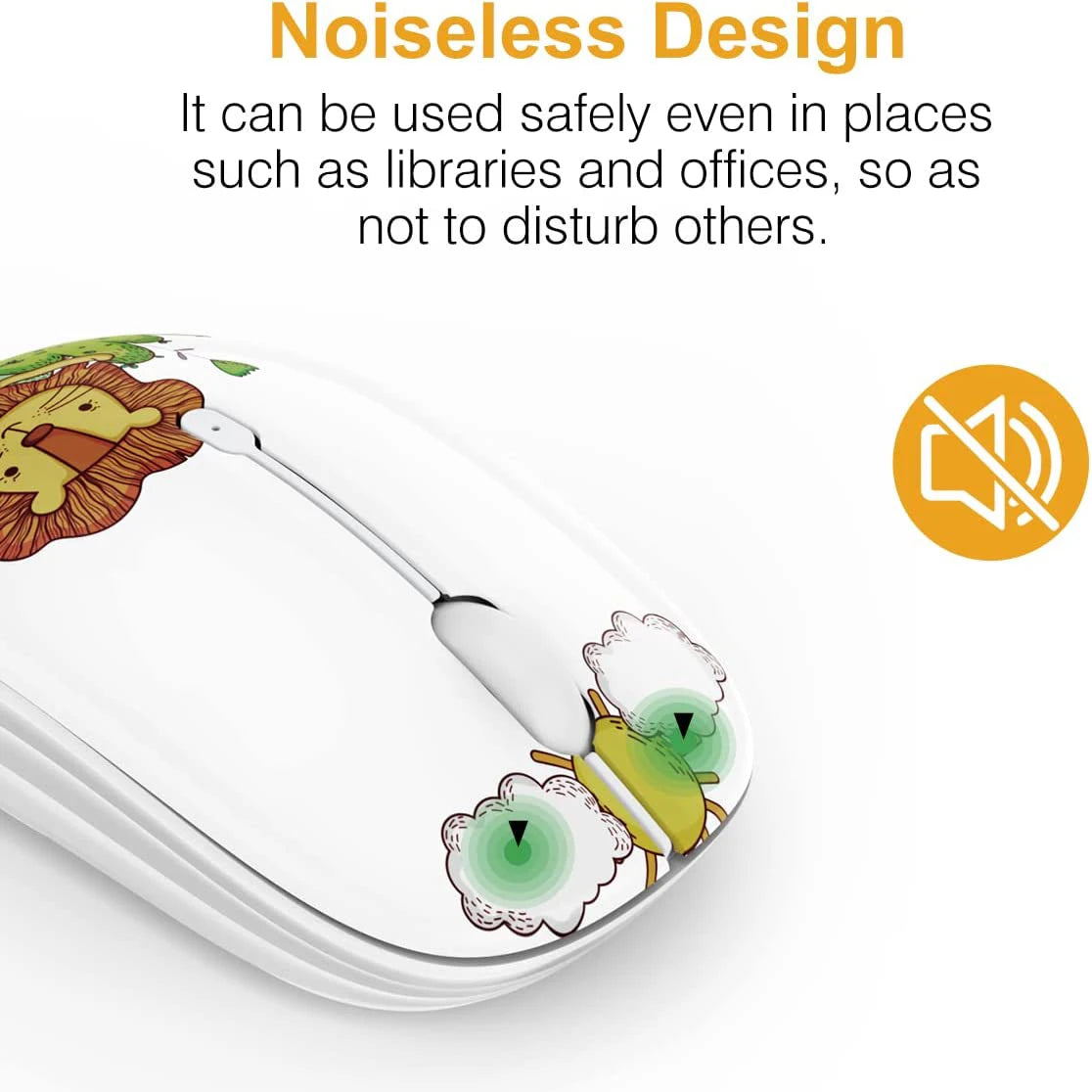
Silent & Durable Click
Special soundless design for the right and left buttons, keep you focused and never disturb others. 5 million times keystroke test, durable to use.
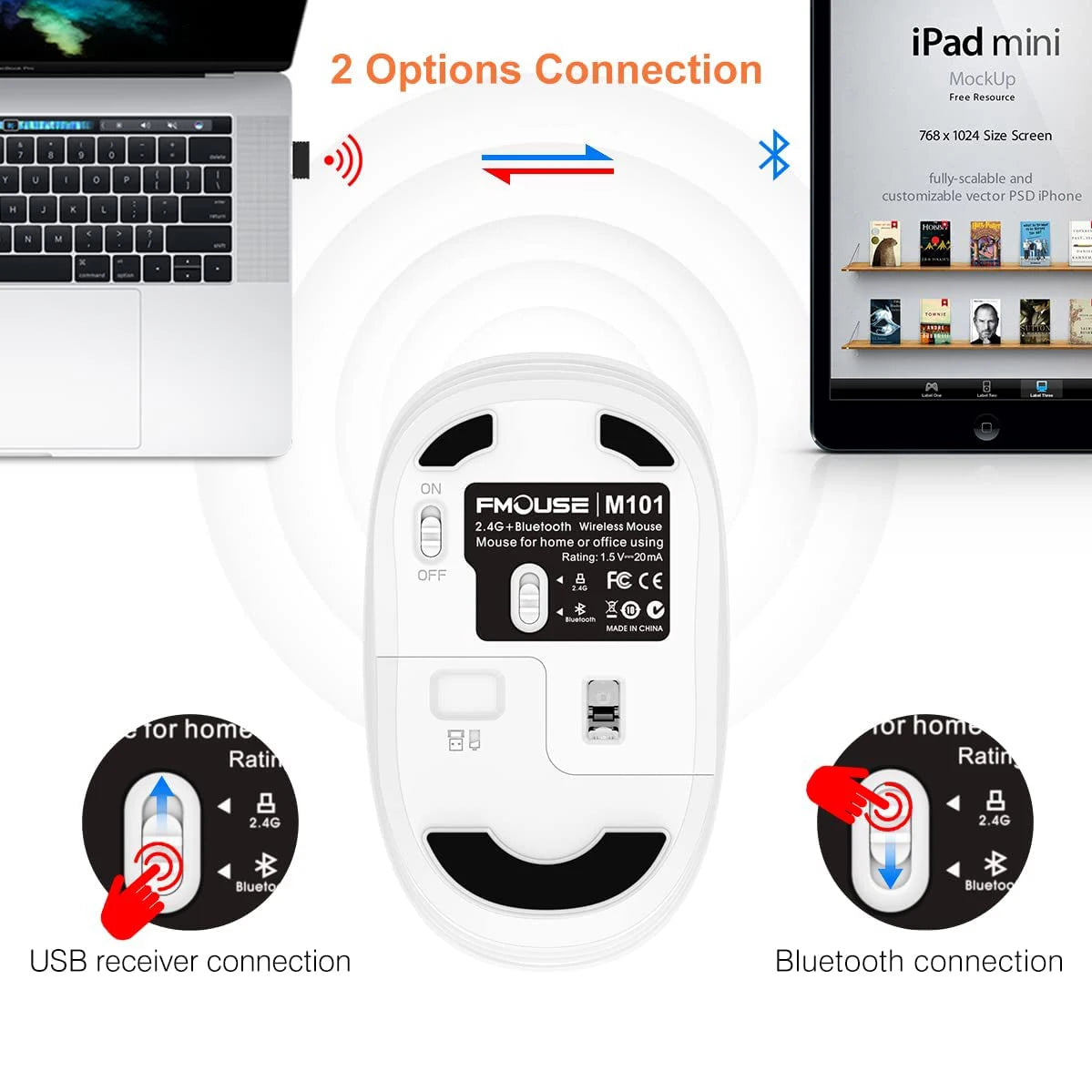
Dual Mode Bluetooth Mouse(BT 5.1 + 2.4GHz)
Dual mode wireless mouse realizes free switches between two devices with one mouse only by simply toggle switching.It can connecting one device through Bluetooth and the other through 2.4GHz USB Receiver. Note: You can't use Bluetooth mode and 2.4G mode at the same time.
How to use /Bluetooth Mode
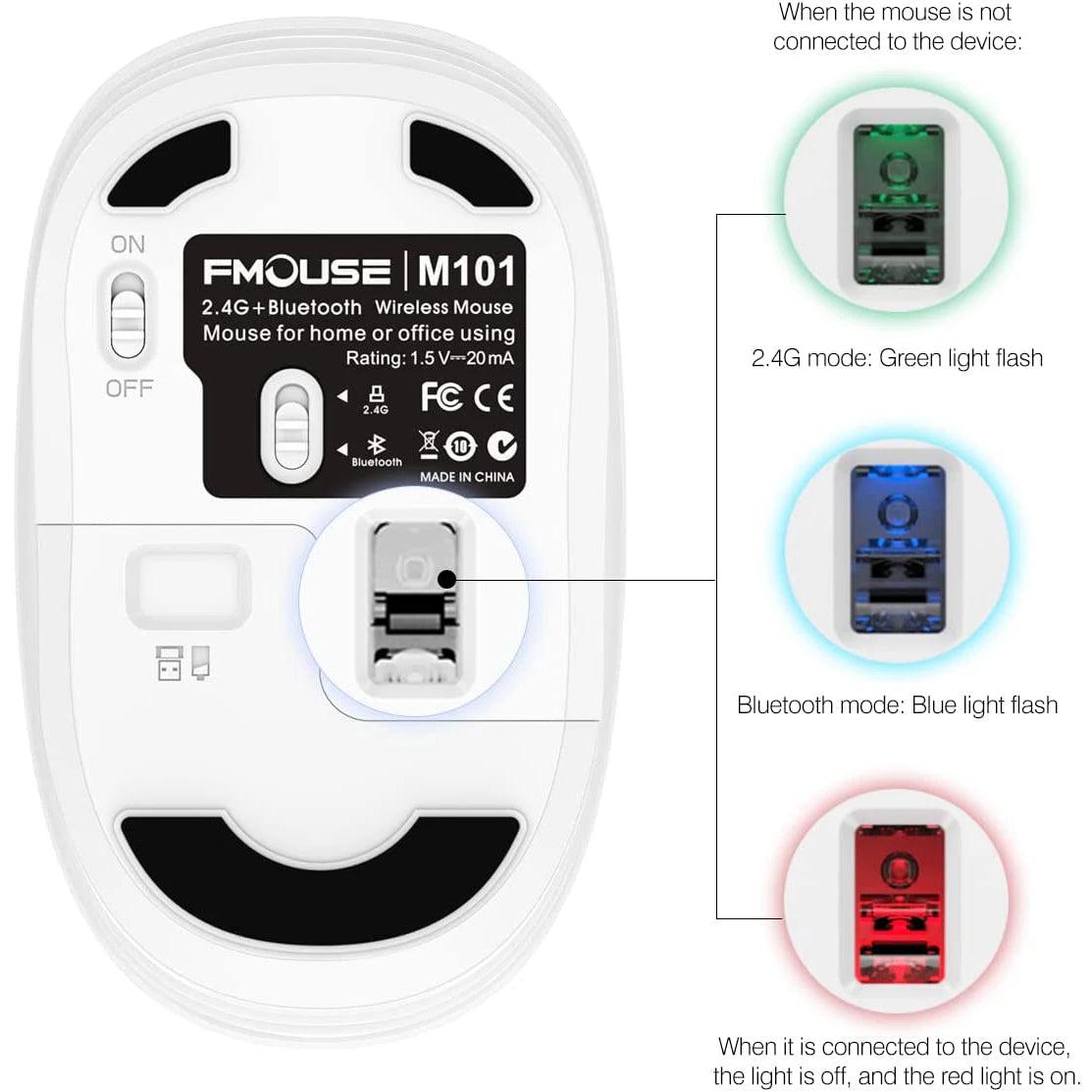
1. Turn the mouse bottom switch to Bluetooth mode
2. There is a blue light flashing at the bottom of the mouse, indicating that the mouse is in the "waiting for pairing" state
3. Use your device to search for the mouse, then click on the link
4. Allow a few seconds for installing, no action needed, just wait. Then you can use the mouse.
How to use /2.4G wireless Mode
1. Take the dongle out, which is in the battery compartment of the mouse.
2. Insert the dongle into the USB port of your PC.
3. Turn on the mouse, the switch is at the bottom of the mouse.
4. Allow a few seconds for installing, no action needed, just wait. Then you can use the mouse.
1 x M101 Mouse
1 x USB Receiver
1 x Cute Decoration
1 x User Manual


